UGR in DIALux for Malaysian offices: why a UGR < 19 luminaire is not the whole result
Learn why a luminaire marked UGR < 19 does not guarantee a low-glare office, and what DIALux must model for a useful project assessment.
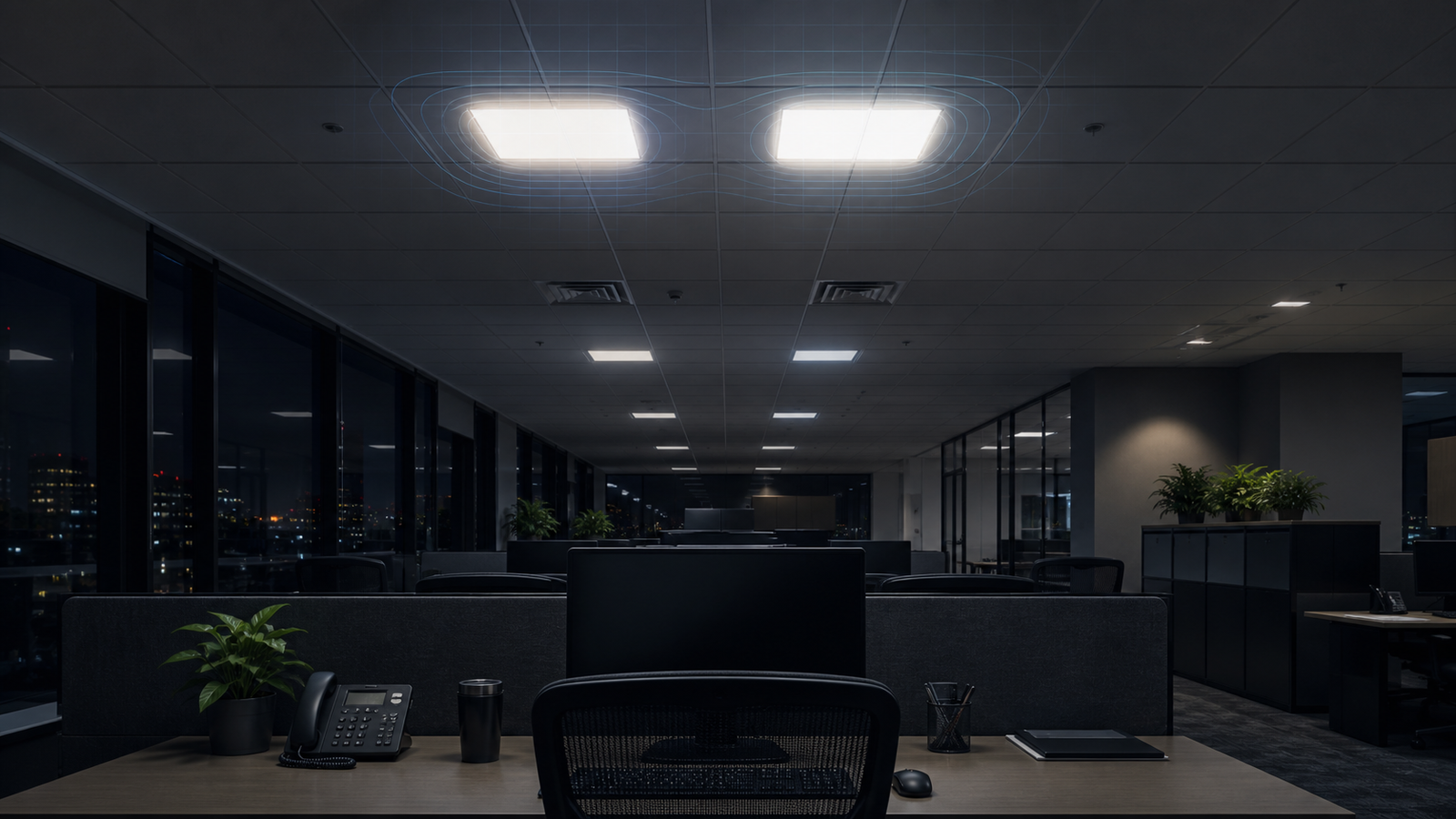
UGR belongs to the lighting installation, not only the luminaire
Unified Glare Rating, or UGR, is a method for predicting discomfort glare in an indoor lighting installation. CIE 117 describes a formula that considers the luminance and apparent size of glare sources, the background luminance and each source's position in the observer's field of view. That means the result changes with the room, layout and viewing condition.
A panel light does not carry one fixed UGR value that remains true in every office. Move the observer, turn the viewing direction, change the mounting height or place the same fitting in a darker room and the calculated glare can change. Product selection and project evaluation therefore need to be treated as separate steps.
What a catalogue label such as UGR < 19 actually tells you
Manufacturer data often presents a UGR table or a statement such as UGR < 19. CIE 190 explains a tabular method based on preset room proportions, reflectances and luminaire arrays under reference conditions. This is useful for screening products, but those reference conditions are not automatically the same as the proposed Malaysian office.
The label should not be read as a guarantee that every observer position in every layout will remain below 19. It also does not replace checking whether the project brief actually requires that limit. The applicable standard, contractual requirement and assessment method should be confirmed by the responsible project team.
What DIALux needs for a useful UGR assessment
Start with photometric data for the exact luminaire model, output and optic. The model should then reflect the room dimensions, ceiling and mounting height, surface reflectances, furniture or partitions that materially affect the scene, luminaire arrangement and relevant operating condition. A generic IES or LDT file can make a glare result look precise while describing the wrong product.
Observer positions and viewing directions must represent how people actually use the office. A workstation facing across a row of panels is different from one facing a wall, screen or window. Check more than one meaningful viewpoint where the layout creates different lines of sight instead of relying on a single convenient result.
Why average lux and UGR must be reviewed together
A layout can reach its target average illuminance and still create uncomfortable bright sources in the field of view. The reverse can also happen: reducing output or shielding luminaires may improve one glare result while leaving weak task illumination or poor uniformity. Neither metric should be adjusted in isolation.
Review maintained illuminance, uniformity, luminaire luminance, spacing, mounting position and UGR results together. Improvements may come from a different optic, lower source luminance, a revised layout, changed mounting height, better surface brightness or repositioned workstations—not simply adding or removing panel lights.
A practical office-glare checklist before issuing the report
Confirm the room plan, ceiling height, workplane, workstation orientation, surface assumptions, exact luminaire file, layout and the project's adopted glare requirement. In DIALux, record the observer locations and directions used, then include the relevant UGR result views alongside the illuminance results so another reviewer can understand what was tested.
ISO/CIE 8995-1:2025 is the current international standard for lighting of indoor workplaces, while DIALux lists CIE 117 among the standards it supports. Their availability does not by itself establish which requirement governs a particular Malaysian project. The calculation supports the design review; compliance, specification acceptance and approval remain with the responsible consultant, client and relevant authority.
Frequently asked questions
Does a UGR < 19 luminaire guarantee that my office will be below 19?
No. A catalogue value normally relates to stated reference conditions. The project result also depends on room geometry, reflectances, layout, mounting, exact photometric data, observer position and viewing direction.
Can DIALux check UGR for an office layout?
DIALux can evaluate glare for modelled indoor conditions and selected viewpoints. The result is useful only when the project geometry, photometry, observer settings and applicable requirement are correctly defined and documented.